
Client replies
A PO number in a reply goes on the job. A date agreed goes in the diary.
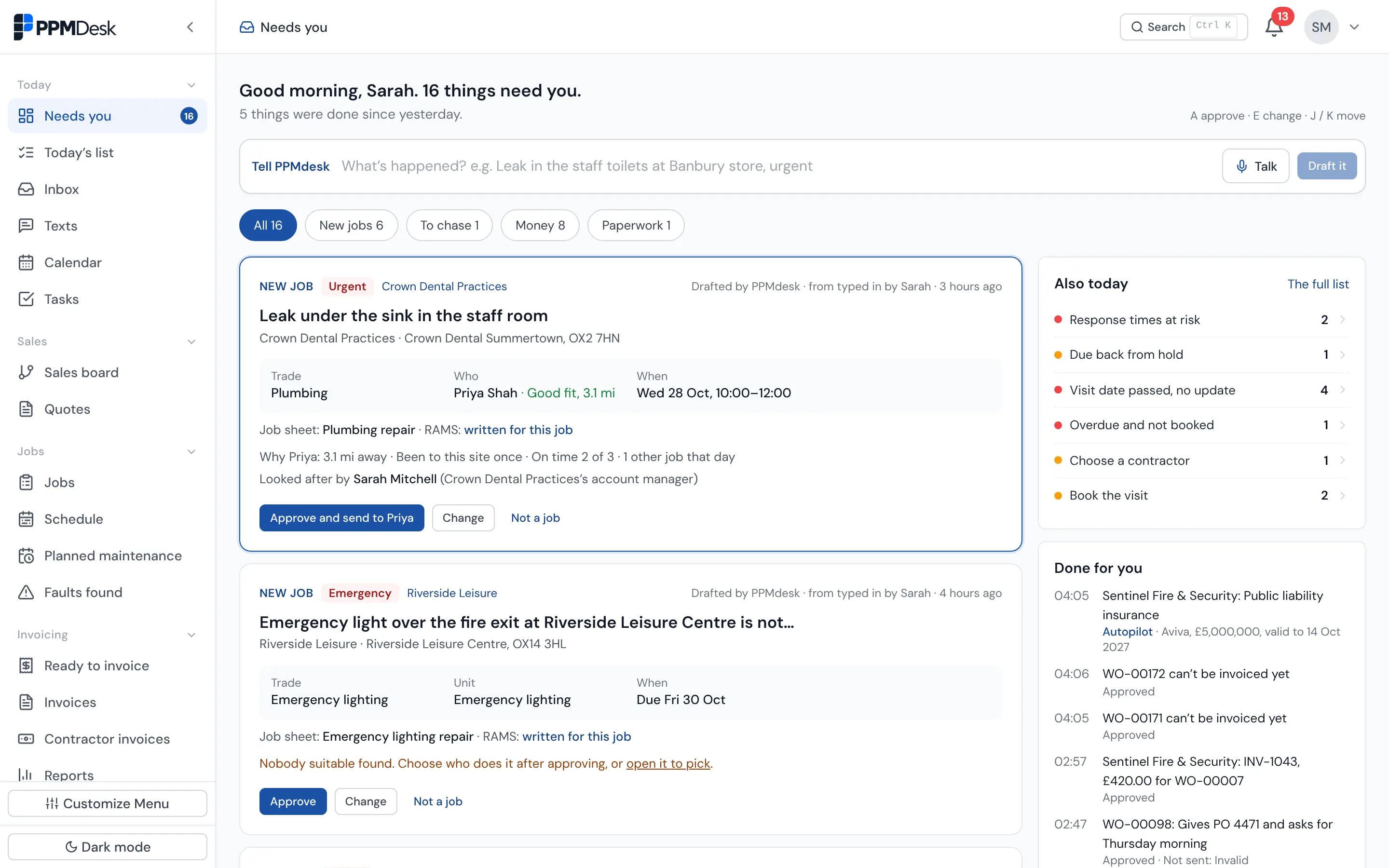
Most of an FM office's day is retyping: client emails into jobs, job sheets into invoices, contractor bills into costs, certificate dates into a spreadsheet. PPMdesk is AI field service management software: it does that typing and puts each result on one list, Needs you, for someone to check and approve. Nothing is booked, sent or invoiced until a person says yes, unless you switch that on.
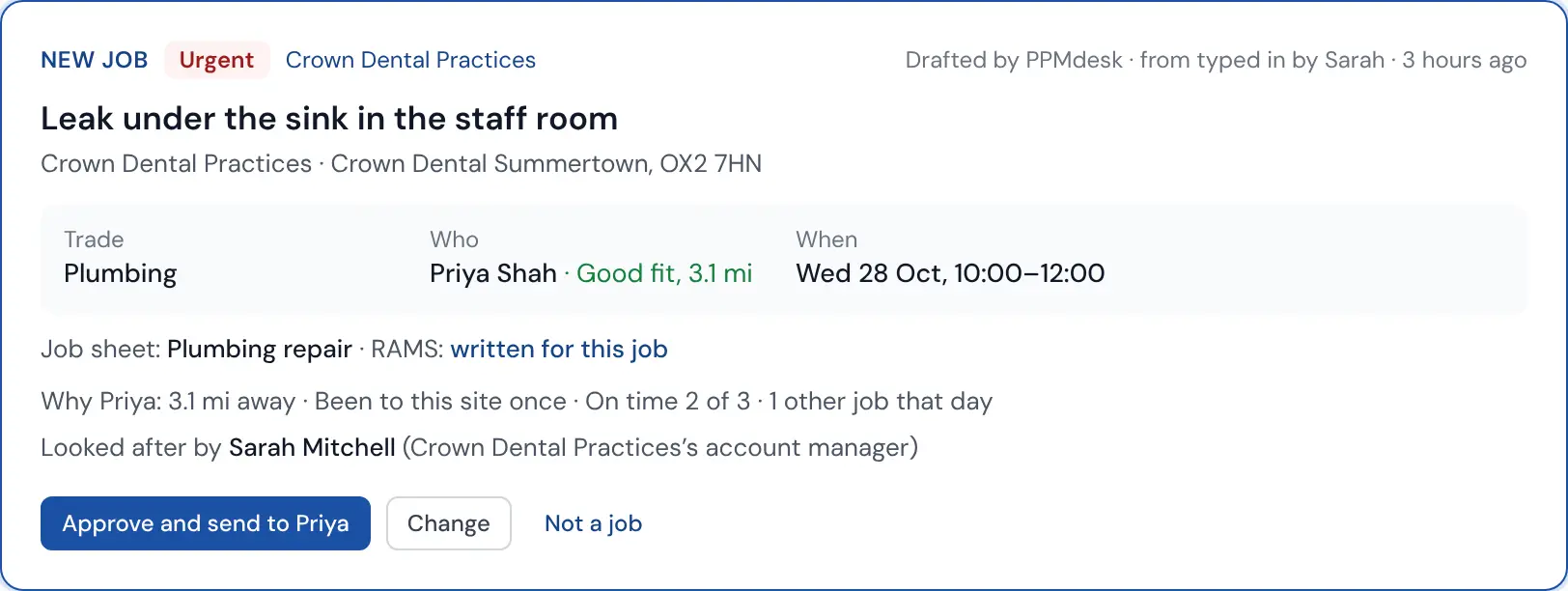
Hi, the air con in treatment room 1 at Summertown is dripping water onto the floor next to the dental chair. We have patients from 9. Can someone come this morning please?
Every draft shows what PPMdesk decided and why, quoting the words in the email it took each detail from. Approve it, change any field, or bin it. When it isn't sure, for example two sites match, it asks instead of guessing.
A PO number in a reply goes on the job. A date agreed goes in the diary.
Checked before invoicing: "8 minutes on site doesn't fit clearing a drain and running the unit for 20 minutes."
Drafted from the signed job sheet and your rates: callout, labour, parts.
Matched to the job and checked against the agreed cost.
Gas Safe, F-gas and insurance: who, what, and when it expires.
A photo from site becomes the unit's make, model and serial number.
Autopilot is switched on per type of draft. Out of the box it only does internal, undoable things: adding a PO from a client's reply, filing a certificate, filling in a unit from its rating plate. Jobs, invoices, contractor bills and chasers wait for a person until you choose otherwise. Everything Autopilot did is listed with an Undo.
Field service management software that uses AI to do data entry and admin: reading emails, job sheets and documents and turning them into jobs, invoices and records. In PPMdesk the AI drafts and a person approves, so the office stays in control.
Only the kinds of action you switch on in Autopilot. Out of the box that is limited to internal, undoable updates such as adding a PO number to a job. Jobs, invoices, bills and chasers wait for a person.
The Microsoft 365 mailboxes your office users connect. Emails are matched to clients, sites and contractors, and only those that look like work become drafts.
Yes, which is why it shows its reasoning and waits for approval. Every field can be changed before approving, and it asks rather than guesses when an email could mean two sites or units.
Retention periods you set, data exports, and records removed when they should be.
Every firm's data is kept apart, with roles for owners, admins and office staff.
A code from a phone as well as a password, and you can require it for your whole team.
Encrypted on every connection, with sensitive details encrypted again in the database.
Every email, visit, signature and change is kept on the job, so you can show what happened.
Book a demo and send us two real client emails first. We will show you the jobs PPMdesk drafts from them.
